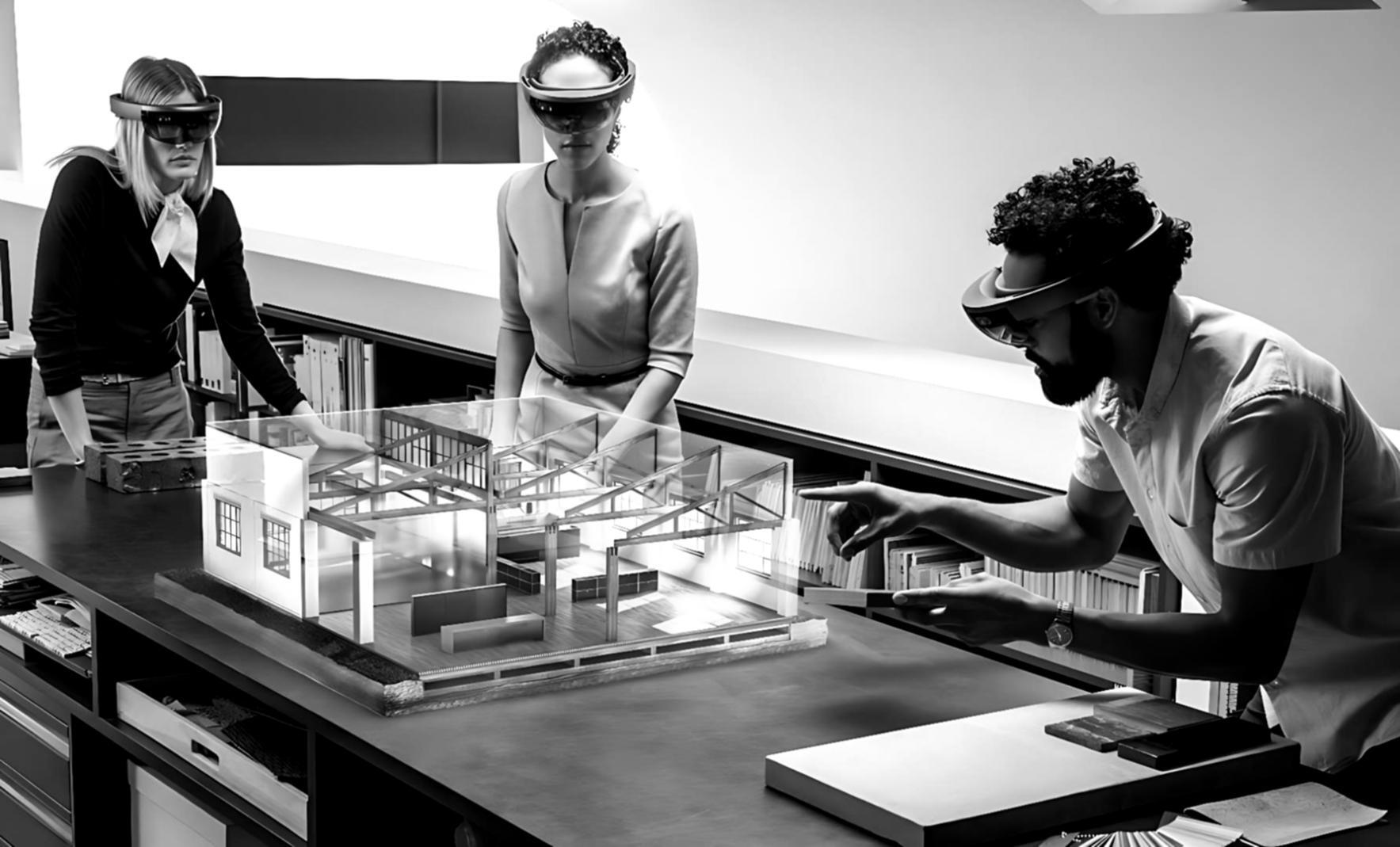

Frame drops stop here.
Uqelmars works directly with development teams to locate and resolve performance bottlenecks in AR and VR applications — from render pipeline issues to physics overhead and memory pressure on headset hardware.
Book a consultation
What this work actually requires
This is not a plug-in or an automated scan. Meaningful results depend on what you bring to the process.
You need access to your build pipeline and profiling data — GPU frame captures, memory traces, or at minimum a reproducible performance scenario. Without that, there is nothing concrete to analyze. The work also requires someone on your side who can implement changes, test builds, and communicate what the application is supposed to do.
- Profiling data or a reproducible performance scenario
- Access to build pipeline or willingness to share diagnostic exports
- A developer or technical lead available for async communication
- Realistic timeline — most engagements run 2–6 weeks depending on scope
Where this does not fit
Some projects are outside the scope of what this engagement can address. Knowing that upfront saves everyone time.
Early prototype with no build
If the application is not yet running on target hardware, there is no performance data to work from.
General code review requests
This engagement focuses on runtime performance, not architecture audits or feature development.
One-session quick fixes
Performance issues in XR applications are rarely surface-level. Expecting resolution in a single call is not realistic.
How the work gets done
Diagnostic first
Every engagement starts with reading what the profiler actually shows — not assumptions. GPU timing, draw call counts, shader complexity, and memory allocation patterns get mapped before any recommendation is made.
Targeted iteration
Changes are applied incrementally with before/after measurement at each step. This prevents compounding unknowns and keeps the impact of each change legible. XR hardware is unforgiving — one change at a time is not caution, it is method.
Documented outcome
Each engagement closes with a written record of what was found, what was changed, and what the measurements showed. Your team keeps that regardless of what happens next.

Generalist studio vs. this
A generalist development studio will optimize your application as part of a broader contract.
That means performance work competes for time with feature work, and the person profiling your shaders may have last worked on a mobile game. XR performance has specific constraints — fixed frame budgets, foveated rendering, thermal throttling on standalone headsets — that require focused familiarity, not general competence.
Focused on XR runtime performance onlyNo competing priorities
Performance is the only deliverable here. There is no feature backlog pulling attention away from what the profiler is showing.
Platform-specific knowledge
Quest standalone, PC VR, and passthrough AR each have different bottleneck profiles. The approach adjusts to the actual hardware, not a generic checklist.

optimization engagements completed — rated 4.5 / 5 on average